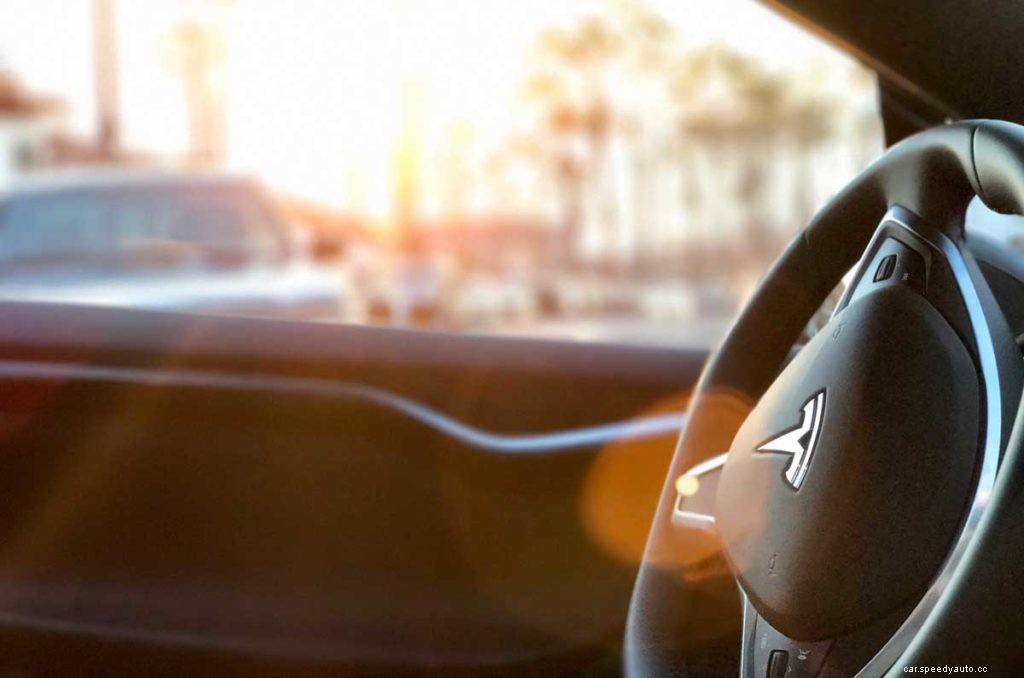
Tesla vehicles are an amalgamation of modern design and technology, and the Model S is no exception. Like many luxury cars, the Tesla Model S has a heated steering wheel that you can adjust to fit your preference.
The rest of this article contains a detailed guide on how to adjust the Model S steering wheel. Read on for more information on this and tips on when to adjust your Tesla steering wheel.
How To Adjust the Height of a Tesla Model S Steering Wheel
Arguably, adjusting the height of the Tesla Model S steering wheel is incredibly easy. The process takes a maximum of two minutes and does not require any special tools.
1. Make Sure Your Model S Is Parked
Before adjusting the steering wheel, make sure your Model S is parked. Adjusting the steering wheel while driving would be dangerous for you and other drivers on the road.
To park your Tesla Model S, follow these steps:
Look for a spot that is long and wide enough to accommodate your Tesla.
Slow down by pressing the brake pedal.
Press the paddle shifter on the steering wheel to park the Tesla. In some models, you can park by either pressing a button on the steering wheel or tapping the park button on the touchscreen.
2. Locate the Levers Underneath the Steering Wheel
The levers located underneath the Model S’ steering wheel are used for adjusting it into various positions. If your Model S is a left-hand drive, you’ll find the levers on the left side of the steering wheel. On the other hand, if it is a right-hand drive, you’ll find the levers on the right side.
3. Adjust the Smallest Lever
Once you’ve found the series of levers, identify the smallest or shortest of them. This lever is typically located between two taller levers.
To adjust your Tesla Model S steering wheel, simply move the most miniature lever underneath the steering in the direction you want the wheel to move:
Pull the lever toward you so the steering wheel comes closer toward you.
Push the lever away from you so the steering wheel goes further from you.
Raise the lever to move the steering wheel upward.
Lower the lever to move the steering wheel downward.
How To Adjust the Steering Effort on a Tesla Model S
It’s possible to adjust the steering effort on a Tesla Model S if you prefer a lighter or heavier feel from the steering system.
To adjust the steering effort on a Tesla Model S, follow these simple steps:
Tap Controls on the Tesla Screen.
Press Pedals & Steering from the pop-up menu.
Tap Steering Mode.
Select between Standard, Comfort, and Sport steering modes by tapping the desired mode on the screen.
Here’s a rundown of the different steering modes you can choose from:
Standard mode: This is the default mode on a Tesla. In general, it does not affect the effort required to turn the steering wheel. However, it provides an even amount of feedback from road conditions. Also, this mode offers incredible handling.
Comfort mode: This mode is for drivers who want to reduce the effort required to turn their wheels. It also reduces the feedback you get from the road. As a result, you might find it easier and more relaxing to drive in this mode than Standard or Sport modes.
Sport mode: This option reduces all aspects of driver comfort and prioritizes control, responsiveness, and direct steering feel.
So, when should you use the mentioned modes?
Steering Mode
When To Use
Standard Mode
You’re driving in familiar, normal conditions.
Comfort Mode
You’re driving in bad weather or an unfamiliar road and need to reduce the driving effort. You can also use this under normal driving conditions.
Sport Mode
You want a comfortable yet connected feel to your Tesla steering wheel.
Key takeaway: In the end, you can adjust the effort required on your Model S’ steering wheel by choosing any one of the three modes. I use Comfort mode when driving on wet, icy roads or out of my comfort zone. I use Standard mode when I’m in familiar territory and the Sport mode when I need tight, responsive steering.
When To Adjust Your Model S Steering Wheel
How do you determine if it’s appropriate to adjust the steering wheel on your Tesla? Let’s find out!
In a nutshell, here are the signs that you need to adjust your Model S’ steering wheel:
Your wrists are starting to hurt after driving your Tesla for some time.
The steering wheel is too close or too far from you and is causing discomfort in your arms, hands, and shoulders.
You want a better feel of the road by reducing the amount of feedback you get from the road while driving.
When all of the above-mentioned factors are present.
Most importantly, adjusting the steering wheel correctly helps avoid accidents. Any incorrect adjustment can cause potential issues for both the driver and the car, including the following:
Driver fatigue: Driving for long periods can be difficult if you are constantly contorting to reach the steering wheel.
Ergonomic issues: If the steering wheel is too far away from you, your arms, elbows, and shoulders will start to hurt. This can take a toll on your overall health and wellness over time.
Increased risk of accidents: According to Driving Tests, mispositioning the steering wheel increases the chances of crashing, especially if one runs off the road.
The Bottom Line: Always adjust the steering wheel correctly for maximum comfort and safety while driving your Tesla Model S. Before you know, you’ll get used to the position, and adjustments will become second nature.
Frequently Asked Questions
How Do You Raise the Steering Wheel on a Tesla Model S?
You raise the steering wheel on a Tesla Model S by locating and raising the smallest lever underneath the steering wheel. For safety, only raise the steering wheel with the vehicle in park.
As I mentioned earlier, the steering wheel will move in the direction of movement of the short lever. So be sure to watch the video I recommended earlier to get this procedure right.
How Do You Turn On the Heat on a Tesla Steering Wheel?
You can turn on the heat on a Tesla steering wheel via the touch screen by tapping the fan icon, followed by the heater icon, and finally the steering wheel icon.
If you’d like to find out How Hot Weather affects your Tesla’s Range, check out this related article that we wrote. We also added some pro tips for you!
EV Speedy’s Take
The Tesla Model S is a fantastic vehicle, as any Model S owner is aware. As the owner, it’s your responsibility to familiarize yourself with your car’s technology and features.
For instance, it comes equipped with an array of assistive safety features, to help prevent accidents. Indeed, Tesla’s incredible technology–from its touchscreen interface to its ability to drive autonomously–is what puts the Model S a cut above other vehicles on the market today.