
When the warranty period of your Honda Civic expires, it’s time to consider cutting down on costs. An oil change is one of the easiest maintenance tasks you can complete on your own, so with the help of one of our guides and a few tools, I’m sure you’ll handle it without any problems. What comes next is resetting the oil maintenance light, both to keep the dashboard free of distractions and to be promptly reminded when it’s time to do another oil change.
I’ll take you through the steps of resetting the Honda Civic oil maintenance light on every generation that has this feature, so keep reading if you’d like to learn more.
I’ve only mentioned how the oil maintenance light turns on because of the imminent oil change cycle in the introduction. However, there are two more cases where it can happen, and if not handled properly, they can lead to catastrophic engine failure. Even if you’re certain that it’s just the oil change, I still advise you to read through this section, because if it ever happens, you will need to act quickly to avoid engine damage.
If the oil maintenance light turns on while you’re driving, it’s important to stop as soon as possible. With every engine cycle, you’re risking permanent damage due to the buildup of heat. Once you’ve stopped, wait until the engine has cooled off enough to give you an accurate measurement of oil levels. If the amount of oil has dropped below minimum, you shouldn’t start the engine again until you’ve refilled it with a generous amount of oil.
Checking oil levels every few weeks and before major trips is a responsible way of keeping the car healthy. It will help make an easier diagnosis of the problem, as many factors can lead to a drop in oil levels.
A failing oil pump can lead to poor circulation in the system, which is just as bad as not having enough of it. By checking oil levels, you can eliminate the lack of oil as the cause, narrowing the search down to the oil pump. When it comes to these issues, do not leave anything to chance, and spare no expense. A tow truck and the mechanic’s bill will be trivial in comparison to the costs of preparing an engine damaged by the lack of oil.
Now that we’ve covered critical cases every driver should know about, we can get into steps of resetting the oil maintenance light. The process varies between Civic generations, so let’s start with the latest model, and work our way down.

There are three ways to reset the oil light on the tenth generation Civic, and which one you should use depends on the trim level of your car.
The standard way of resetting maintenance lights uses either the trip knob on the steering wheel column or wheel-mounted controls to navigate through the menus that will appear inside the speedometer.
If your Civic has a center-mounted touchscreen, aside from stereo, climate control, and navigation, you can also use it to reset the oil maintenance light.
You’ll use the trip knob or buttons to gain access to the maintenance menu displayed on the dashboard on the ninth generation.
Alternatively, use steering-mounted controls to gain access to the engine Oil life menu and reset it there.
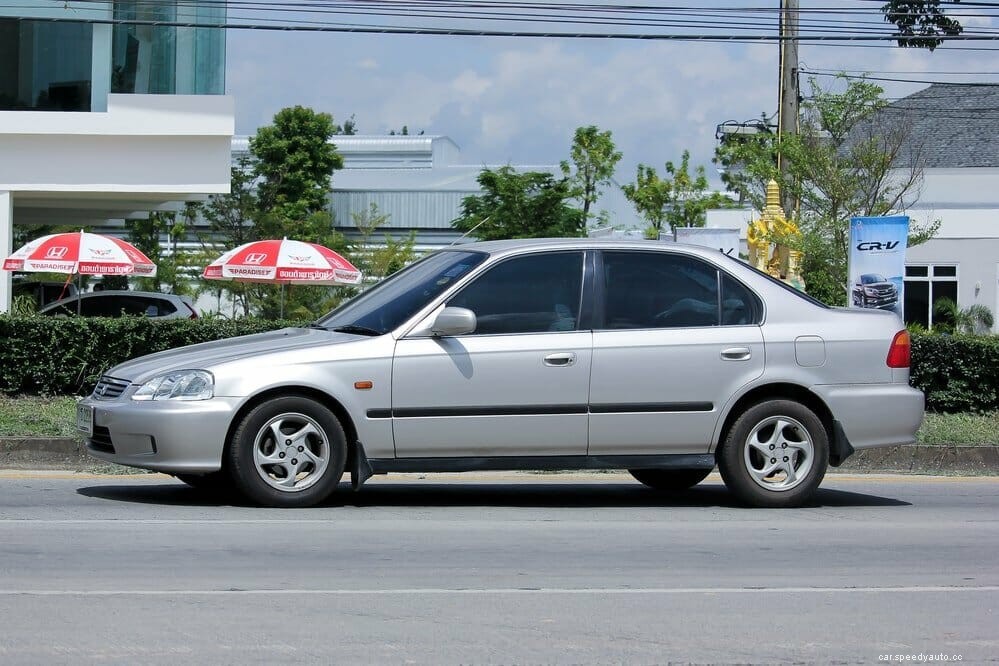
The process of resetting the oil maintenance light on the eighth generation is very simple. You’ll use the trip buttons located on the left side of the dash, underneath the AC vent, to navigate the menus displayed on the driver’s screen.
Seventh generation Civic models and older use the same steps to clear oil maintenance light:
Resetting the oil maintenance light on a Honda Civic doesn’t take longer than a minute, so you can definitely do it at home. However, keep in mind that it’s a valuable indicator of the engine’s health, and the resets should be done only after an oil change. Monitor engine oil levels often and change them regularly, along with the oil filter to ensure a long service life for your Honda Civic.
Check out these other Honda cars maintenance topics:
Honda Civic Won’t Turn Over
How To Unlock Push To Start Honda Steering Wheel
How To Reset The Honda Pilot Oil Life Maintenance Light
