
Do you have a Uconnect Bluetooth system in your car? If so, are you having problems with it? If the answer is yes, don’t worry – you’re not alone. Many people are reporting that their Uconnect Bluetooth is not working properly.
In this article, we will provide a comprehensive troubleshooting guide to help you fix the problem.
When your Uconnect Bluetooth is not working, you need to remove the battery from your phone and perform a hard reset. If you have one, consult your phone’s owner’s handbook to see whether it can be removed.
Then, in your phone’s Bluetooth settings, erase the pairing history with your Uconnect system, which is generally found in the Phone section. Confirm that “Uconnect” is selected when your phone locates Bluetooth devices in range.
The Uconnect Access App is a smartphone app that allows you to control various functions of your car via your phone. Some of the things you can do with the app include:
The app is free to download and is compatible with most Android and iOS devices.
There are several reasons why your Uconnect Bluetooth system may not be working. One of the most common reasons is that the system is not properly paired with your phone.
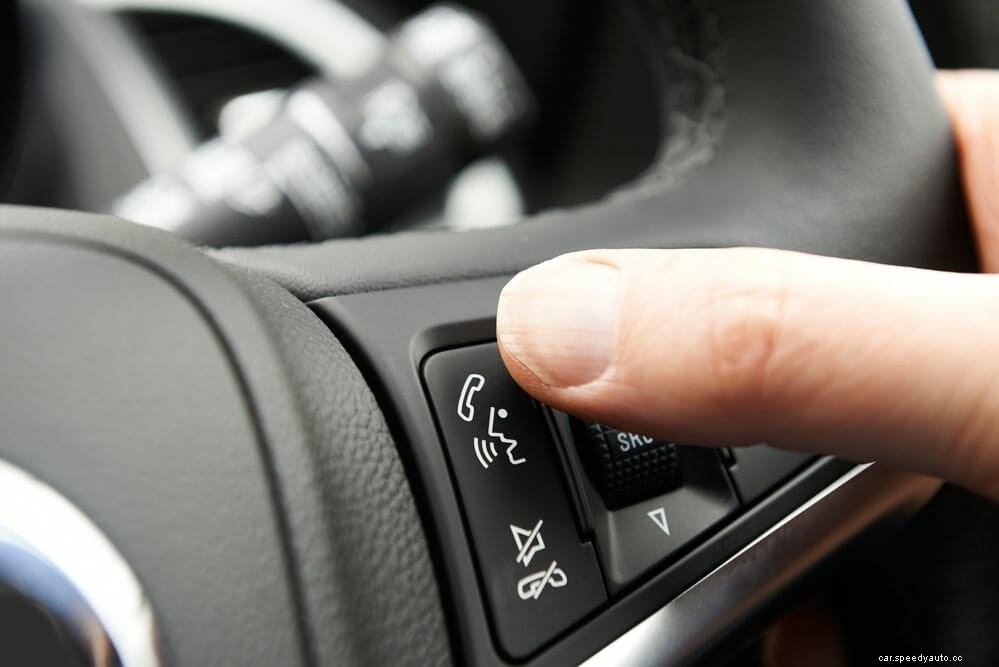
Another common reason is that the Uconnect system does not have a strong enough signal to connect with your phone. If you’re experiencing problems with your Uconnect Bluetooth system, we recommend that you try the following troubleshooting tips.
The first thing you should try is restarting your phone. This will reset the Bluetooth connection and may fix the problem. Restarting your phone is easy.
Simply power it off or remove the battery (if possible) and wait a few seconds. Then power it on again and try to connect to your Uconnect system.
If restarting your phone doesn’t work, the next thing you should try is deleting the Uconnect Bluetooth connection and pairing it again. To do this, go to your phone’s Bluetooth settings and delete the Uconnect connection.
Then turn off your car’s ignition for a few seconds. Turn it back on and try to pair your phone with the Uconnect system again.
Another thing you can try is making sure that your phone’s “discoverable” mode is turned on. This will allow the Uconnect system to find and connect to your phone. To do this, go to your phone’s Bluetooth settings and ensure that the “discoverable” mode is turned on.
If you’re still having problems, it’s a good idea to check for updates. Uconnect regularly releases new software updates that can improve performance and fix bugs.
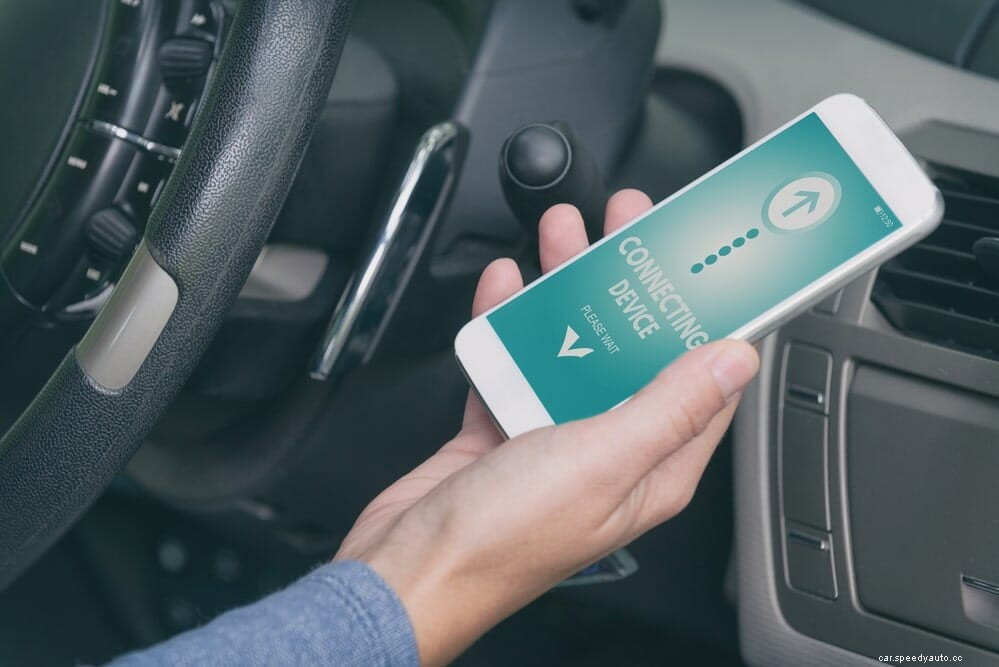
To check for updates, go to the Uconnect website and enter your car’s model and year. Then follow the instructions to download and install the latest software update.
If you’re using an iPhone, it’s possible that Uconnect is already connected to another device. To fix this, go to your phone’s Bluetooth settings and find the “Uconnect” connection. Tap on it and select “Forget This Device.” Then try to connect your phone to the Uconnect system again.
If you’ve tried all of the above and you’re still having problems, you may need to reset the Uconnect system. To do this, press and hold the power button for about 30 seconds. This will reset the system and should fix the problem.
If you’re still having problems, the next thing you should check is the Uconnect system’s signal strength. If the signal is weak, it may be causing the problem.
To check the signal strength, go to the Uconnect website and enter your car’s model and year. Then follow the instructions to check the signal strength.
Try these troubleshooting tips if you’re having problems with your Uconnect Bluetooth system. If you still can’t get it to work, we recommend that you contact Uconnect customer service for further assistance.
Here is how to pair with Uconnect for new users:
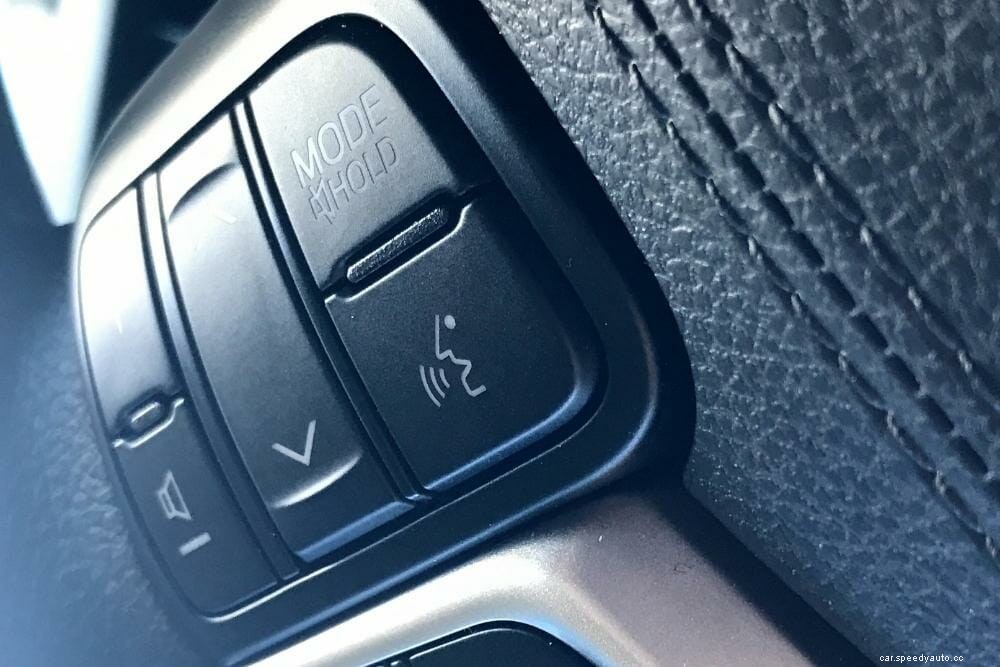
Not sure which version of Uconnect you have? Here’s how to find out:
If you need to reset your Uconnect system, here’s how:
A lot of users have experienced success by updating the Uconnect system. Here’s how to do it.
First, you need to find out whether there are software updates available for your Uconnect system. You can do this by visiting the Uconnect website and entering your car’s model and year.
Once you’re on the website, follow the instructions to check for updates. If there are any updates available, download and install them. Note that you will need a minimum 4GB of free space on your USB drive to install the updates.
Once you have the software downloaded, plug the USB device into your car and wait for the Uconnect system to recognize it. Once it does, follow the on-screen prompts to install the updates.
After the updates have been installed, restart your Uconnect system and try to connect your phone again. If you’re not sure how to install the updates, contact Uconnect customer service for assistance.
Fortunately, Uconnect updates are free to download. However, users desiring the latest and greatest features may have to purchase the Uconnect Access System, which calls for monthly subscriptions.
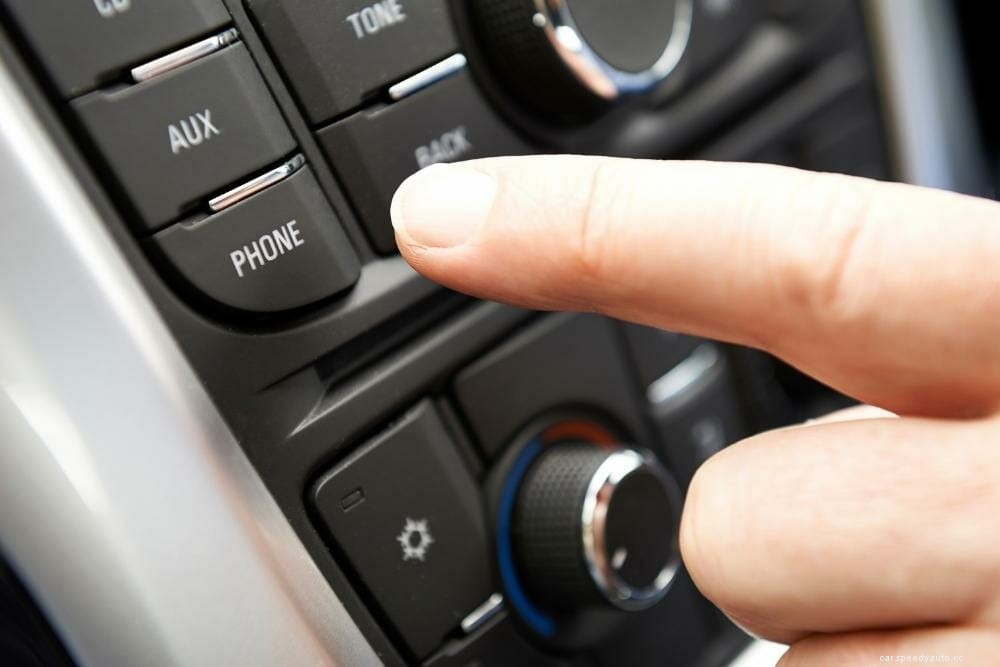
There are a few reasons why this message may appear:
CarPlay is a feature that allows you to use your iPhone with the Uconnect system. If it’s not working, here are a few things to check:
If you still can’t get CarPlay to work, contact Uconnect customer service for assistance.
When your Uconnect Bluetooth is not working, don’t despair. There are a few things you can try to get it up and running again. First, check for updates and install them if necessary.
In case that doesn’t work, try resetting the Uconnect system or connecting your phone to the system via Bluetooth. If all else fails, contact Uconnect customer service for assistance.
With a little troubleshooting, you should be able to get your Uconnect Bluetooth working again in no time. I hope this article was helpful. If you have any further questions, please feel free to reach out to me in the comments section below.
