
The large touchscreens within all Tesla models are often one of the key features that appeal to buyers. They eliminate the need for a dashboard full of buttons with onscreen control for your temperature, volume, media controls and even shifting your vehicle.
Tesla brands itself as providing the future of driving to customers with its unique technology and features that can assist your driving in ways that have never been seen before.
But what happens if your Tesla screen won’t turn on? It can be incredibly alarming when your Tesla screen turns black when driving, especially as it controls so many important aspects of your vehicle. But have no fear if your Tesla screen froze, then we can help you!
We’ve listed some of the common faults and information you should know as well as how to reset Tesla screens that are universal to all 4 models currently available.
The majority of features on your Model S are designed around the incredible 17-inch touchscreen which gives an impressively sleek and modern look to your dashboard. But when the screen freezes or even blacks out then it can seem frightening, especially if you’re on the road. Here are some of the common reasons and fixes for a Model S screen fault.
Unfortunately for Model S owners, Tesla has announced a known fault within the embedded Multi-Media-Card memory which is largely affecting their Model S vehicles that have been built prior to 2018. They have agreed to an extension on the warranty on the affected vehicles, but have not made any formal recalls.
So if you’ve tried every known method (including ours below!) and still have no luck in rebooting your touchscreen then you can get a free repair on your touchscreen system, under the following conditions
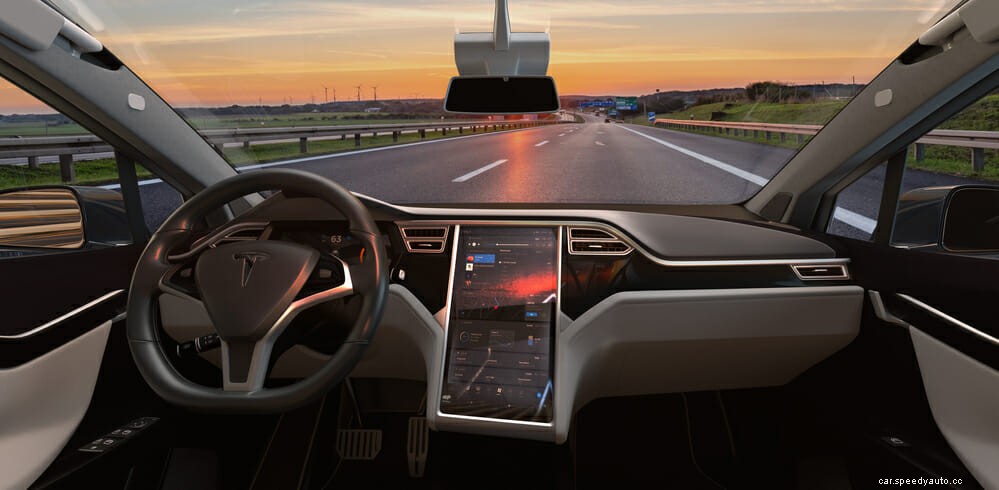
Another commonly reported cause of touchscreen failure in these models is from certain application use. With such technology, you would think your Tesla could take anything you threw at it, but many owners who regularly use music streaming services have noticed this causes aggravation in the system and causes your system to shut down.
Fear not, this doesn’t mean you can no longer listen to your favorite Spotify playlist, you may want to check for any software or system updates though as this often helps to correct these issues and works well as a preventative measure too for any future faults that may occur.
The Tesla Model Y screen is similar to the Model 3 with a 15-inch display and the ability to carry up to 7 passengers making it an ideal family car. But this doesn’t mean it is exempt from the common screen blackout faults that come with Tesla models. Some owners have even reported blackouts being common from the first week of owning the vehicle.
Rebooting your Tesla Model S and Model Y is safest if done when your vehicle is stationary such as on your driveway. With so much of the vehicle’s control being carried out on this screen, it may be dangerous to try and drive without access. There are two main ways to reboot your Tesla:
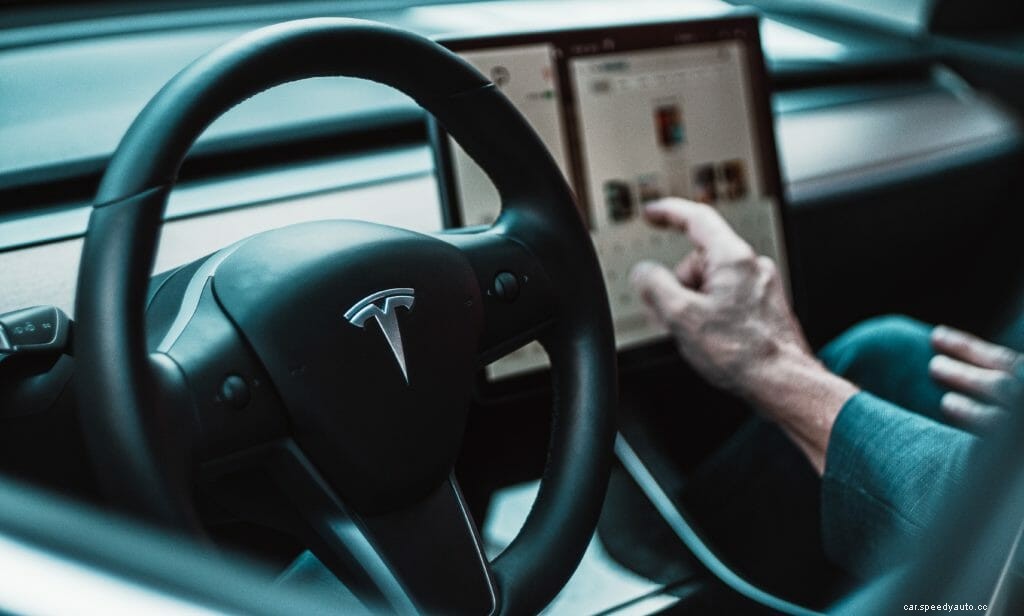
The Tesla Model 3 has a horizontally mounted 15-inch touchscreen that is the only display present in the vehicle and the Model X features a 17-inch display in the same orientation. Both these screens are the main access and control for most of the features of the vehicle, so getting them back to full function is a priority. Here is how to reset the dreaded black screen of death on both the Tesla Model 3 and Model X.
If your Model 3 has frozen, gone black, or even is just not performing as expected (i.e won’t connect to your smartphone) then this method will reset your CPU and GPU which usually gives the system a well-needed refresh in order to fix the problem.
In comparison to other standard vehicles on the roads today, Tesla’s are relatively easy when it comes to maintenance. They have fewer moving parts which creates less opportunity for faults and also benefit from not needing regular fluid changes.
Maintaining a regular charging routine with your Tesla using a low-voltage charger you’d have via your home wall connection allows for better longevity. You should only use faster “super” charging when necessary.
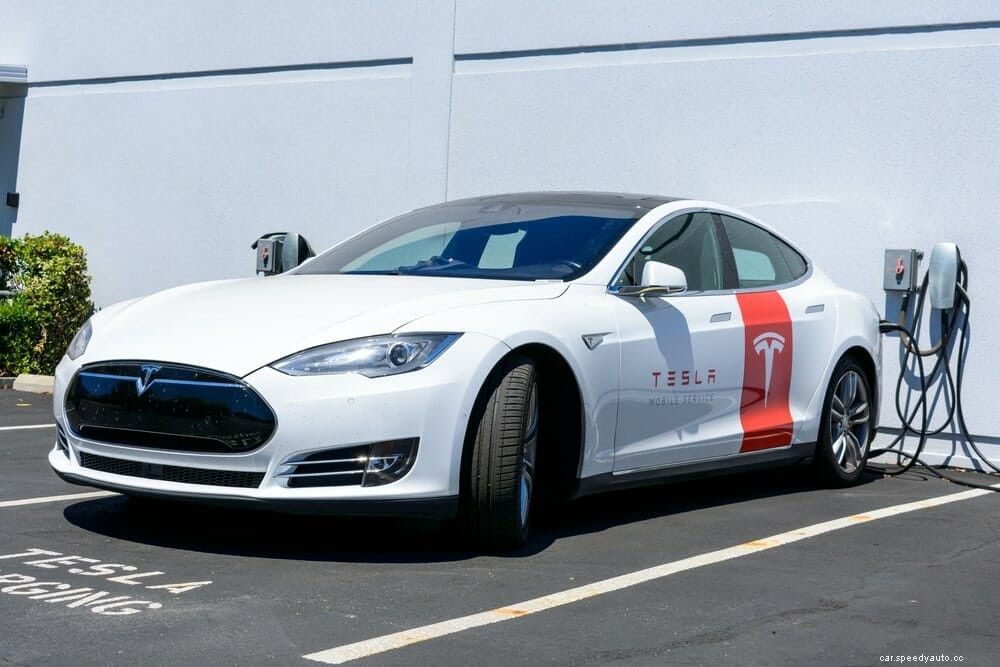
Unlike gasoline vehicles, your Tesla will require no oil changes, spark plug replacement, fuel filters, or even emission checks! You will even have a significantly reduced chance of needing brake pad replacement due to the regenerative braking returning energy to the battery to reduce wear on the brakes.
Tesla’s aren’t known for being cheap due to the sheer amount of impressive tech that comes on board with this fully electric vehicle. The Model 3 is the cheapest available at an average cost of $48,000.
Whilst Tesla claims to be working on a fix for the reoccurring screen issues, we hope in the meantime you have managed to find some handy tips and tricks to reset your frozen Tesla screen. With so many benefits besides the obvious economical ones, we really hope Tesla works on providing built-in touchscreens that can last the lifetime of the vehicle and create a faultless performance.
