
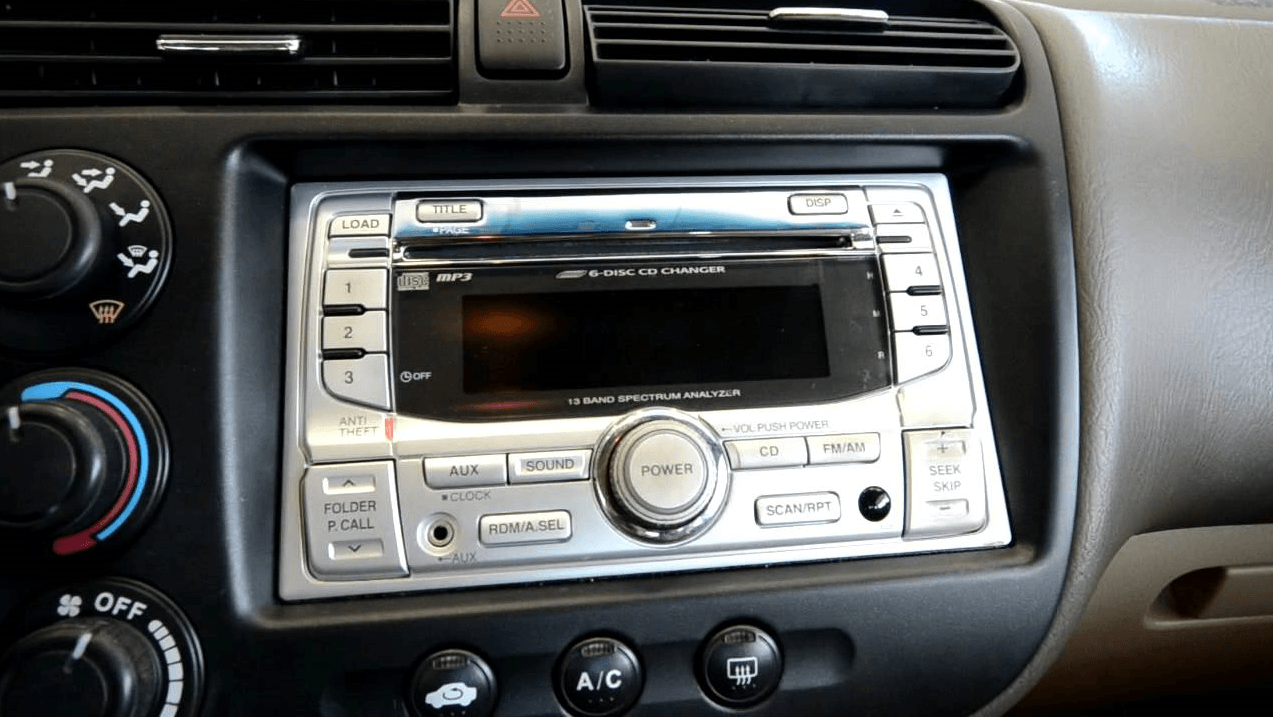
Setting up the Honda Civic radio code every time the battery dies or disconnected is a bit of chore that many users find annoying. The technology is a part of Honda’s anti-theft protection system. Once disconnected, it prevents using the radio without putting a set of radio codes.
How to unlock Honda Civic radio code? Well, it does not take much time once you know the right way of finding the code. All you need is the radio’s serial number and the vehicle identification number (VIN).
Honda Civic’s VIN is a 17-digit code that could have any letters from A to Z and any number from 0 to 9. However, no VIN will include the letters ‘I’, ‘O’, and ‘Q’.
The car’s proof of insurance card or registration document is supposed to have the VIN. You may also look into the base of the windshield where a sticker is likely to have the VIN printed on it.
If you still cannot find it, check the financial service statement documents of the vehicle.
SEE MORE
The device number is likely to vary depending on Honda models. In most cases, the serial number of the radio in a Civic model is to be found inside the glove box. You will see an anti-theft sticker there showing the number.
If the number is not there, follow these steps:
The last part is to visit Honda’s Radio NaviCode website and enter the VIN serial number and few other personal details like your ZIP code and email. After submitting the information, you will get the code. Turn on the radio and enter the code. Your radio is unlocked!
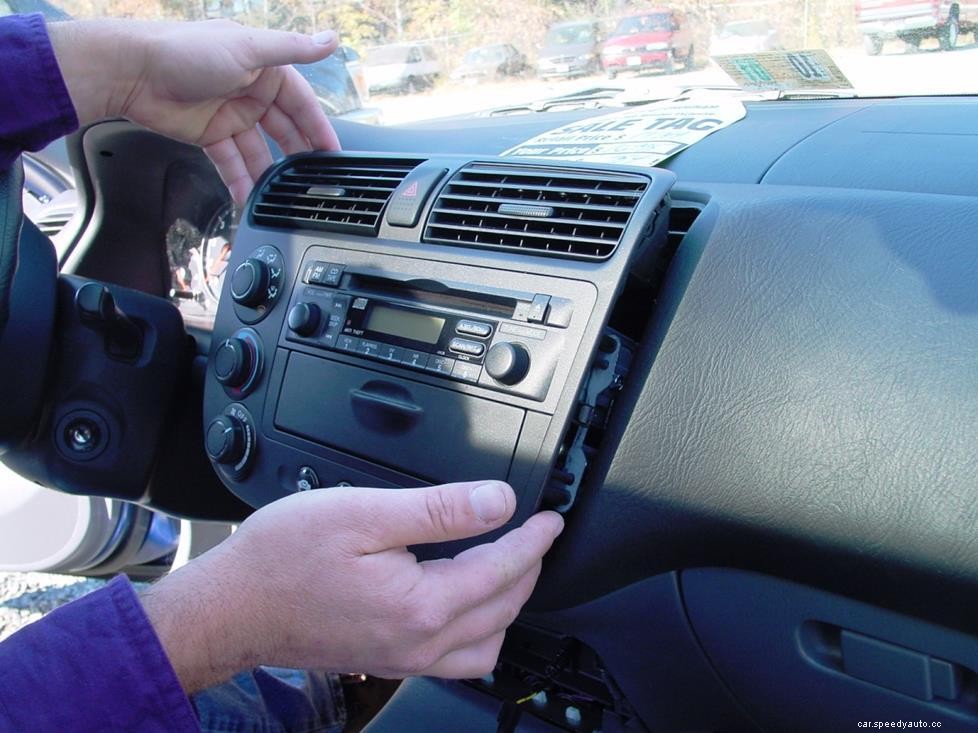
In this way, you can crack from 2001 to 2006 Honda Civic radio code. If the car dates back before 2001, there is no way to find the code except for dismounting the radio from its slot. You have to visit the local Honda service center for the Honda Civic radio code reset.
